AI image workflow

AI Product Photo Generator

Create product-style concepts with clear materials, controlled backgrounds, studio lighting, and campaign-ready composition.

Commerce image tool

Generate product photo

Online tool

Prompt examples

Style

Real model outputs and templates

These examples were produced with the same image workflows available in MorphPix. Open any template to start with its direction.

Input

Prompt only

Canvas

1:1

Default style

product

01

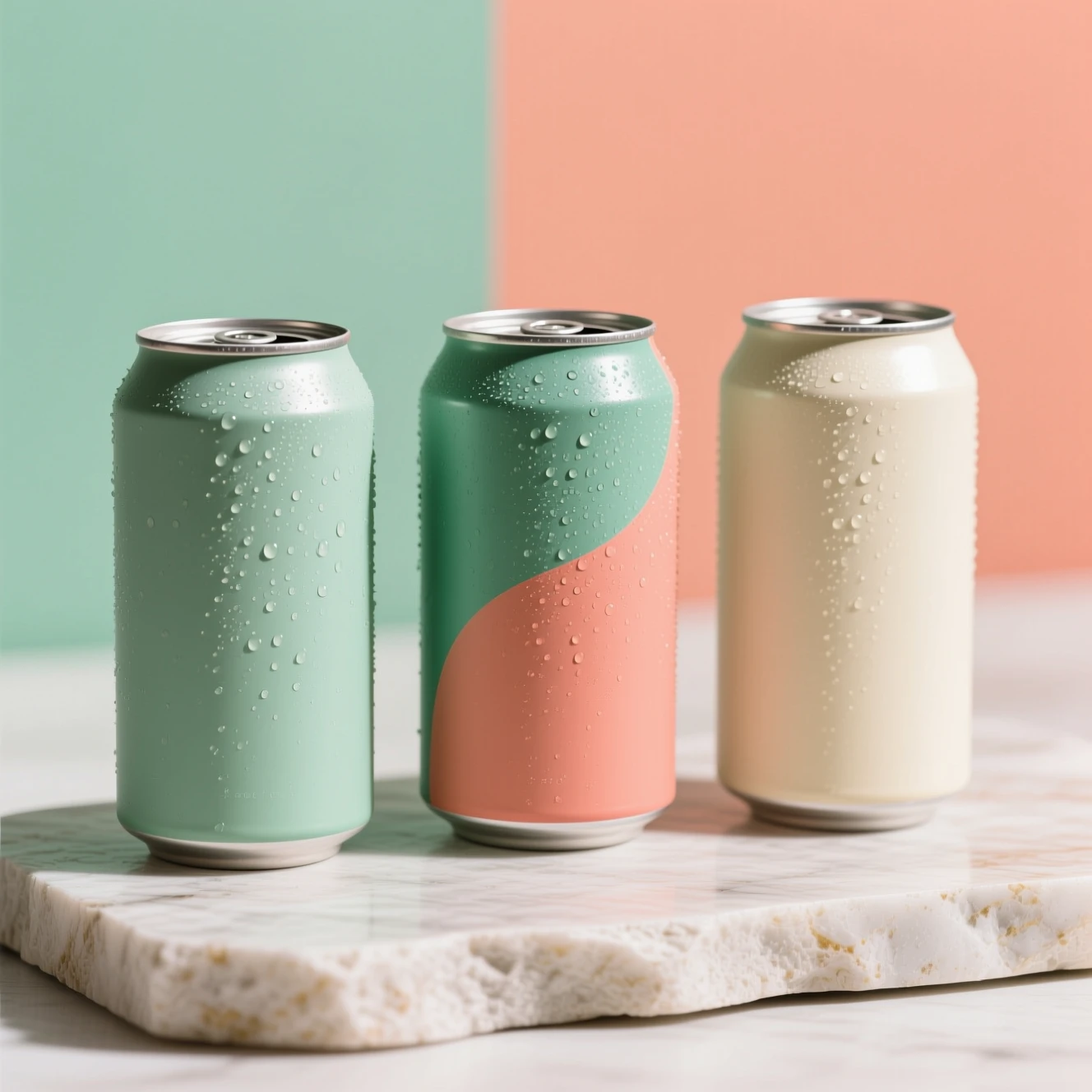
Beverage packaging concept

Generated with MorphPix

Input

Commercial product concept photograph of three unbranded matte aluminum sparkling tea cans in sage green, coral, and cream, simple abstract color blocks without lettering, condensation, clean stone surface, bright beverage campaign, no text, no logo

Prompt

AI product concept showing three unbranded colorful sparkling tea cans with condensation
Output

Capability boundary: A text-only concept cannot reproduce a real SKU, label, barcode, or legally accurate package design.

Model
Qwen Image
Tool
AI Product Photo Generator
Use in Studio

02

Consumer electronics concept

Generated with MorphPix

Input

Commercial product concept photograph of unbranded matte charcoal over-ear headphones on a brushed aluminum stand, blank smooth earcups with no markings, soft directional studio light, premium electronics campaign, no text, no logo

Prompt
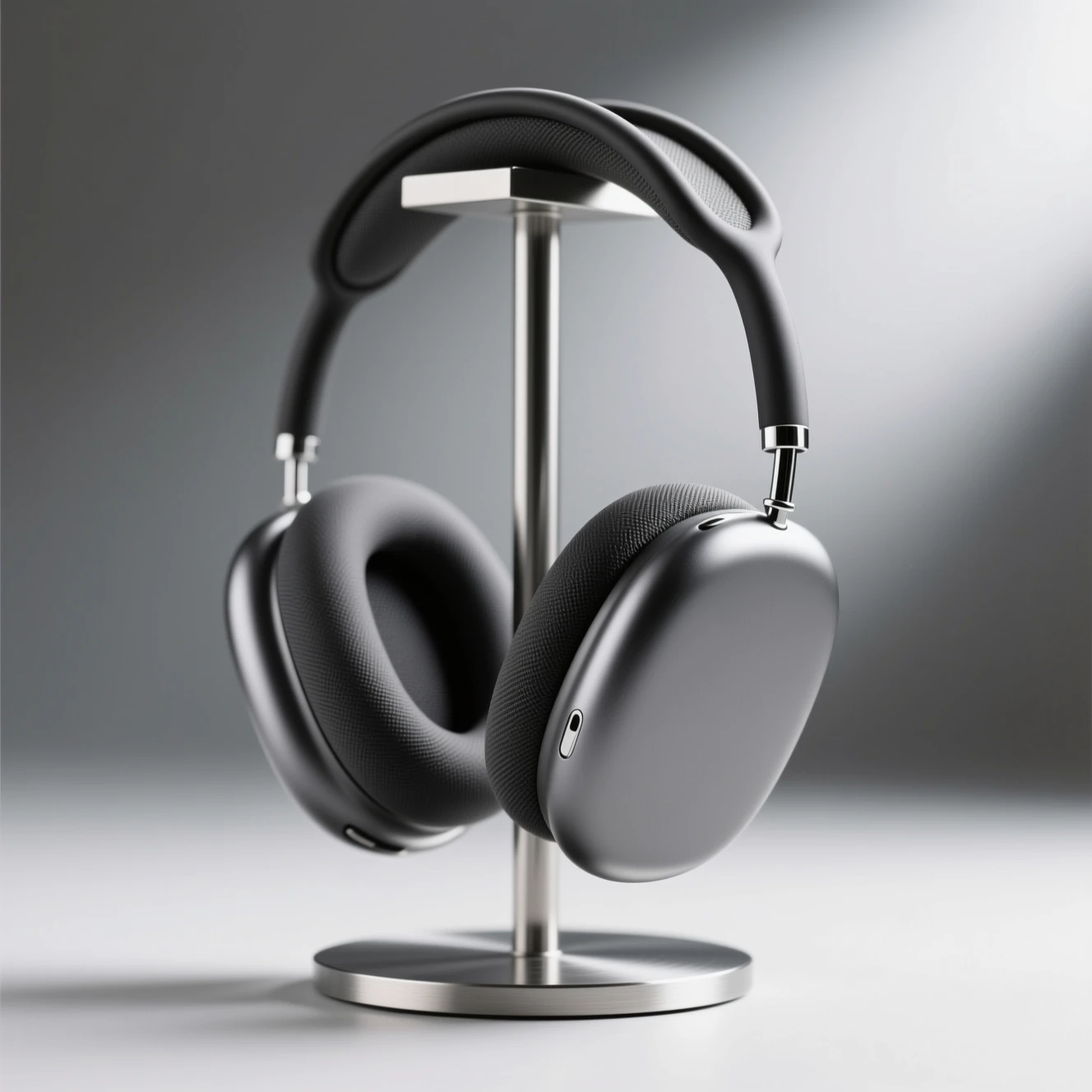
AI product concept of unbranded charcoal over-ear headphones on an aluminum stand
Output

Capability boundary: This concept is not tied to a manufactured product; proportions, controls, and materials may not be production-ready.

Model
Qwen Image
Tool
AI Product Photo Generator
Use in Studio

03

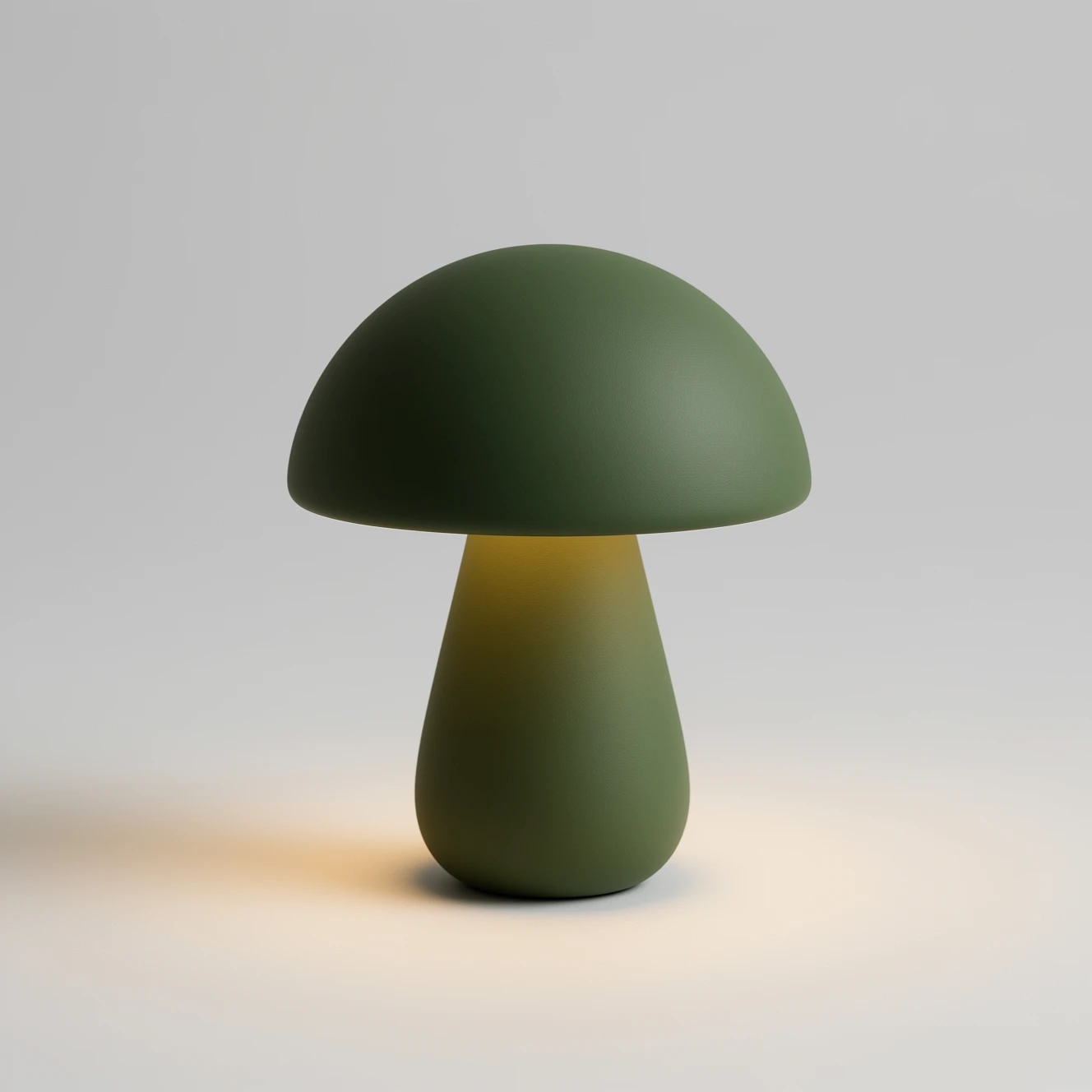
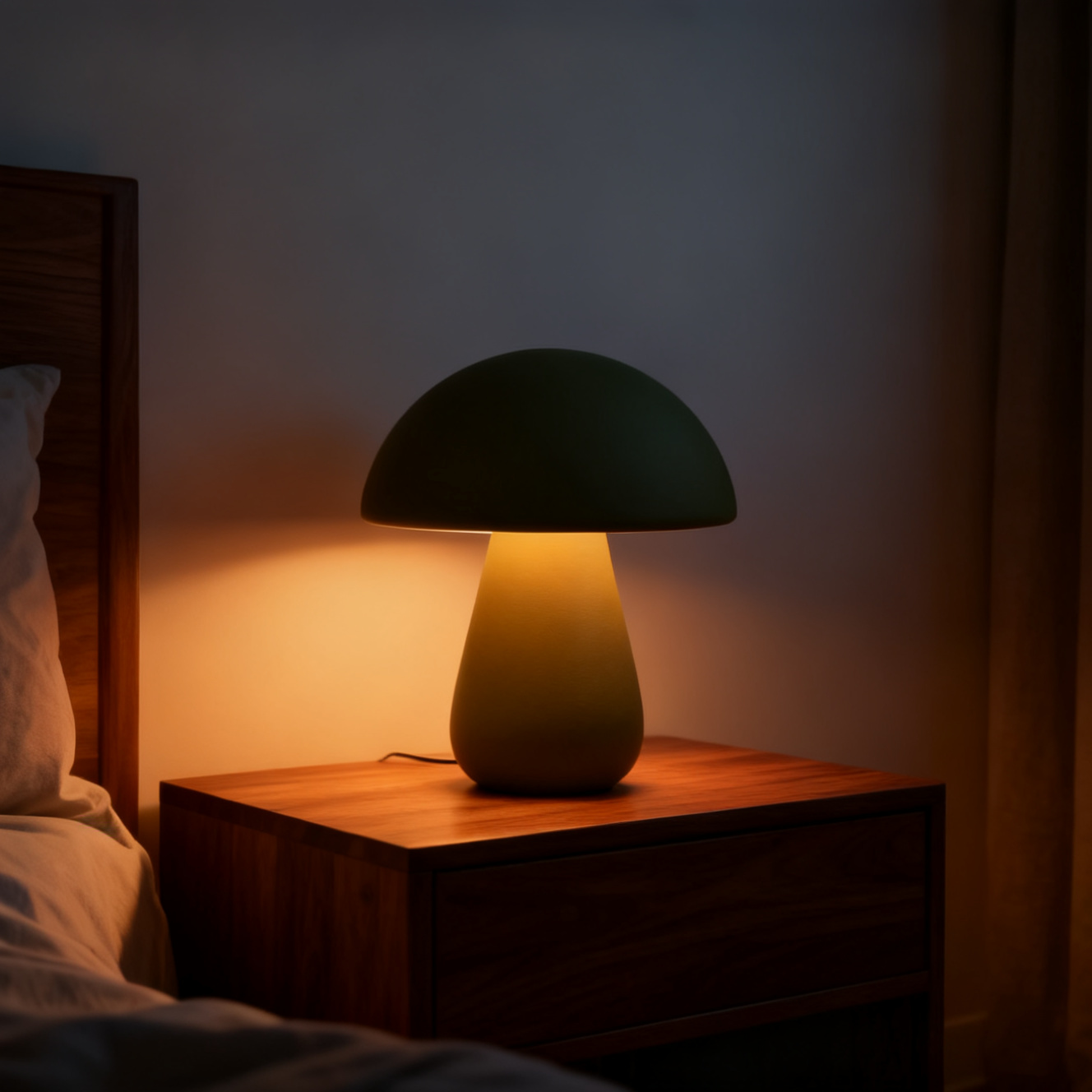
Place an uploaded lamp into a room scene

Generated with MorphPix
Input ecommerce photo of an olive green mushroom table lamp on a light gray background
Before
AI-edited product scene with the olive green mushroom lamp glowing on a bedside table
After

Prompt

Place only this olive green mushroom table lamp on a walnut bedside table in a warm quiet bedroom at dusk. Turn the lamp on with a soft amber glow. Preserve the lamp's overall color and silhouette. Natural commercial interior photography, no text, no logo.

Capability boundary: Upload-based scene generation can retain the product direction, but it may change exact geometry, finish, labels, or SKU details.

Model
Seedream 4
Tool
AI Product Photo Generator
Open editor and upload your product

Best for

Ecommerce product concepts

Ad creative directions

Catalog image moodboards

Social product visuals

Build a stronger product photo prompt

Product images become easier to art-direct when the prompt separates the item, supporting surface, light, background, and intended channel.

01

Describe physical details

Include the product category, shape, material, finish, and color so the visual has a clear product identity.

02

Direct the studio scene

Name the surface, background, key light, shadow softness, camera angle, and amount of negative space needed for copy.

03

Choose concept or exact listing

Use prompt generation for concepts and campaigns. When a real SKU matters, start from its uploaded photo in Product Background Generator and still verify labels, logos, colors, and geometry.

Recommended setup

The public page keeps the basic choices visible so visitors understand what will happen before they sign in.

Input

Prompt only

No upload needed for prompt-based product photo concepts.

Model stack

FLUX.2 Pro, Seedream 5.0 Pro, Seedream 4, Qwen Image

AI models

Canvas

1:1

Default style: product

How it works

1

Describe the product, material, surface, lighting, and background.

2

Choose square for shops or 16:9 for campaign layouts.

3

Generate several concepts; use the product background workflow when exact real-product identity matters.

AI models

FLUX.2 Pro

Black Forest Labs

Commerce image tool

high-quality general image generation and reference-guided edits

Commerce image tool

reasoning-led generation, precise edits, text, and commercial design images

Seedream 4

ByteDance

Commerce image tool

fast generation, edits, and product-style visual variations

Commerce image tool

design images with stronger multilingual text rendering

AI product photo generator FAQ

Is this different from the product background generator?

Yes. This page starts from a prompt to create product-style concepts. The product background generator starts from an uploaded product image.

Can I use it for real ecommerce listings?

Use prompt-generated images for concepts and campaigns. For listings, start from a real product image in the background workflow and compare every important detail before publishing.

What should a product photo prompt include?

Include the product, material, surface, background, lighting, camera angle, and desired channel such as a square shop image or wide campaign banner.

Can AI product photos reproduce an exact label or SKU?

No. Prompt generation may change labels, logos, text, and geometry. An uploaded product gives the editor a real reference, but it still does not guarantee exact preservation.

Ready to run this workflow?

Open the studio with the prompt, model, style, and aspect ratio already filled in.

Generate product photo