
Multilingual design model

Qwen Image AI Image Generator

Create design images where layout, prompt control, and multilingual text rendering matter.

MorphPix configuration

Model maker
Qwen
Credits per successful result
2
Supported operations
Text-to-image generation
Negative-prompt support
Yes
Configured status
Configured in MorphPix; confirm availability in Studio

More real MorphPix examples

Layered paper-cut AI illustration of a mountain observatory beneath a starry sky
Real MorphPix output

Real MorphPix output

Paper-cut observatory illustration

Workflow: AI Image Generator

Capability boundary: The model interprets material, layering, and color direction rather than reproducing a fixed illustration style exactly.

Open tool: AI Image Generator
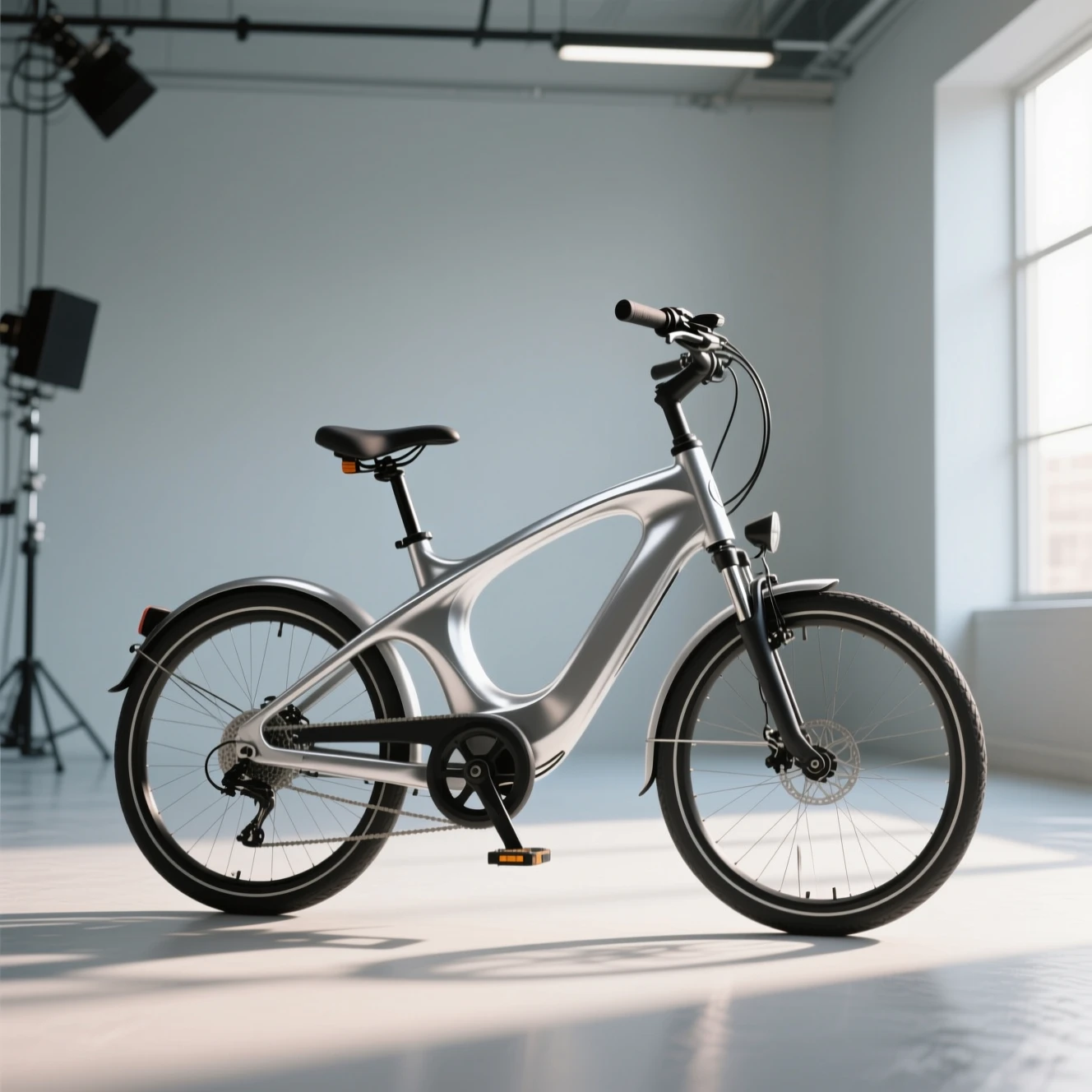
Commercial AI concept image of a silver electric commuter bicycle in a studio
Real MorphPix output

Real MorphPix output

Electric bicycle campaign concept

Workflow: AI Image Generator

Capability boundary: This is a visual concept, not an engineering drawing; frame geometry and components may not be mechanically viable.

Open tool: AI Image Generator

Configured uses for Qwen Image

01

Multilingual poster drafts

02

Design images with text

03

Social graphics

04

Creative layout exploration

Run this model

How to start

  1. 01

    Open a poster or design image tool.

  2. 02

    Write the text direction and target language clearly.

  3. 03

    Generate and review the result before using it in production.

Use it with these tools

AI Poster GeneratorPrimary

Qwen Image FAQ

Why use Qwen Image?

MorphPix configures it for multilingual, text-led design drafts and structured compositions. Proofread every generated word before publishing.

Should I proofread generated text?

Yes. Always review AI-generated text before publishing, especially for ads, product pages, and client work.