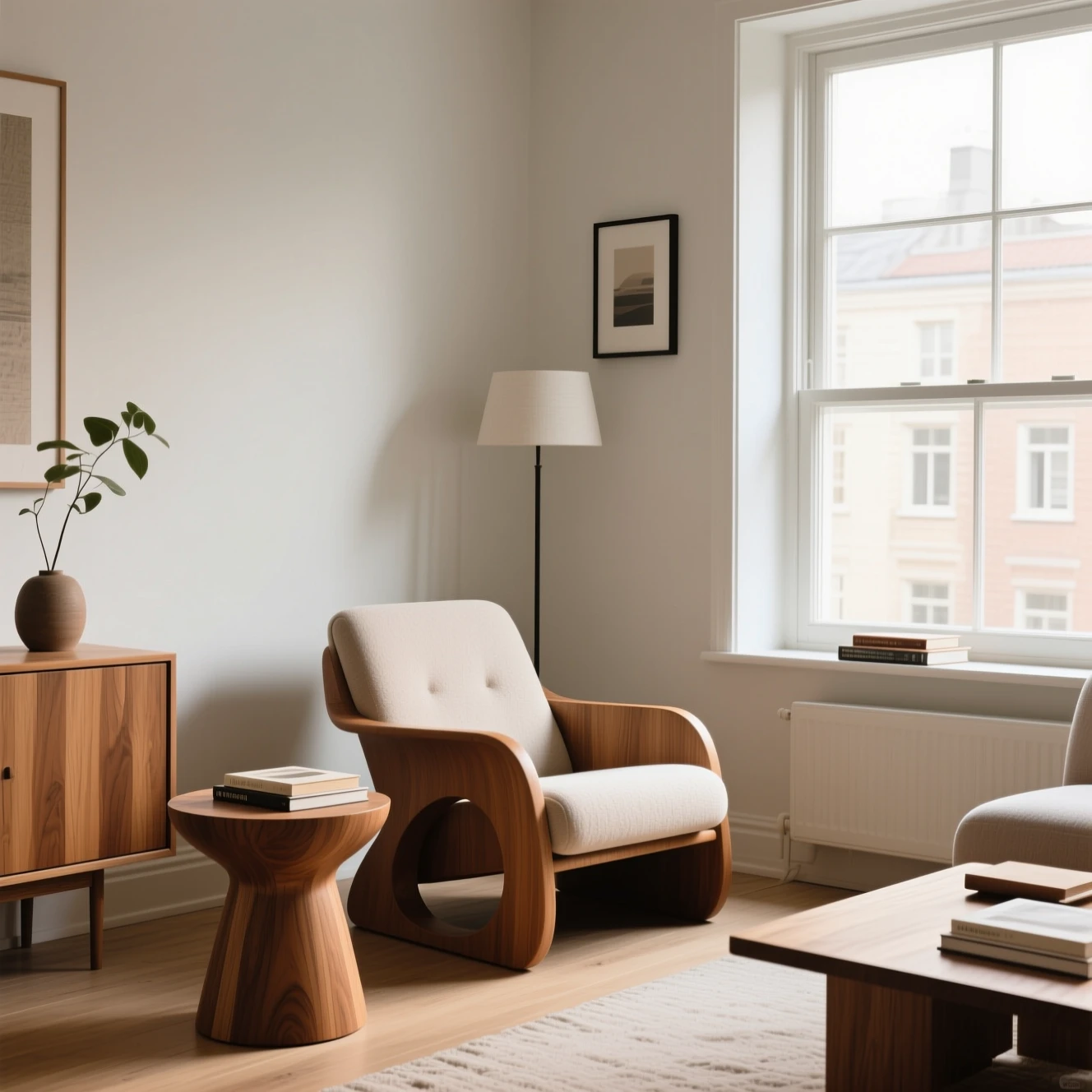
Real MorphPix output
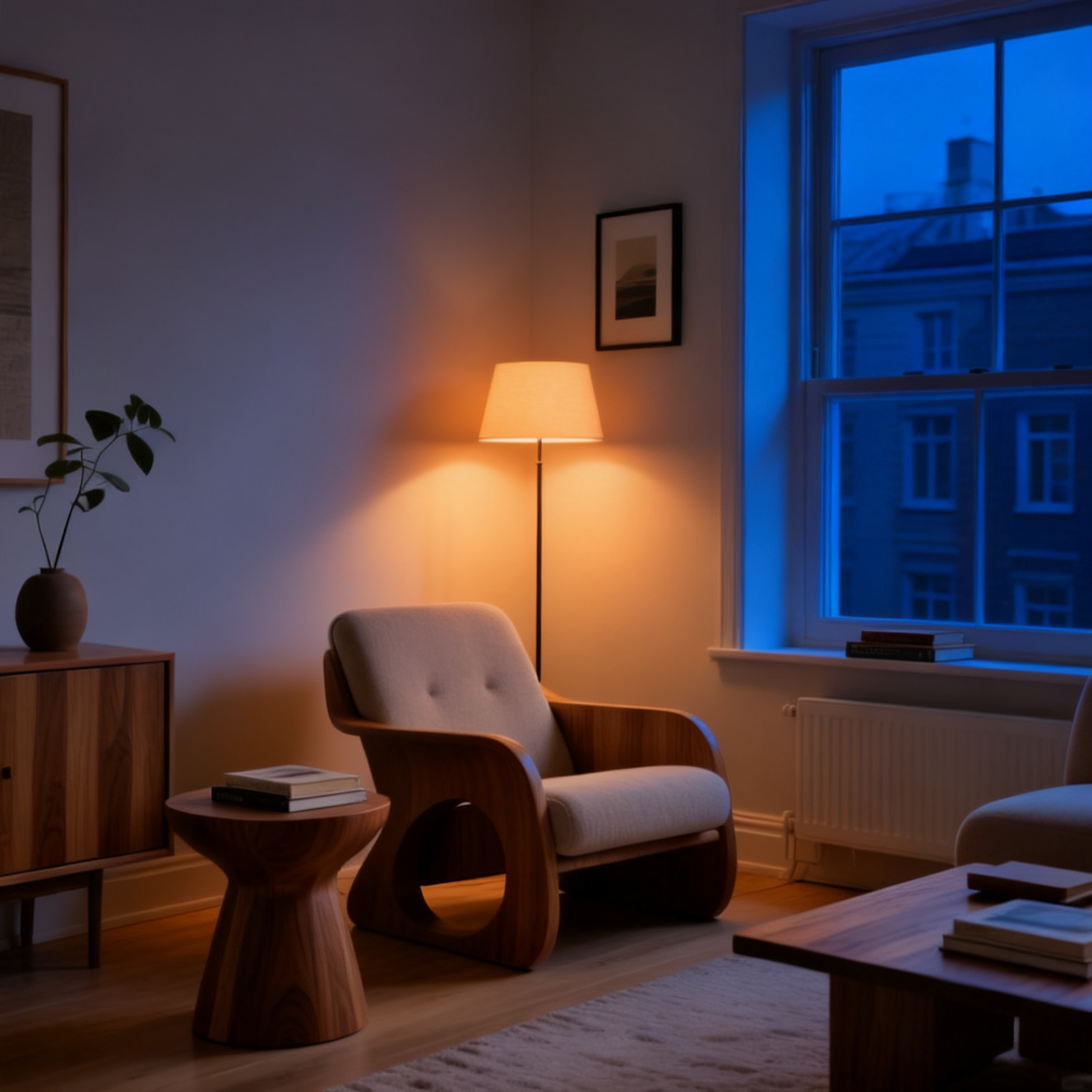
Change daylight into an evening mood
Workflow: AI Image Editor
Capability boundary: Lighting and style changes may reshape small furniture details or room geometry instead of preserving every pixel.
Open tool: AI Image EditorFast image model
Generate quick visual directions, product-style concepts, and creative image variations from a simple prompt.
Real MorphPix output
Workflow: AI Image Editor
Capability boundary: Lighting and style changes may reshape small furniture details or room geometry instead of preserving every pixel.
Open tool: AI Image Editor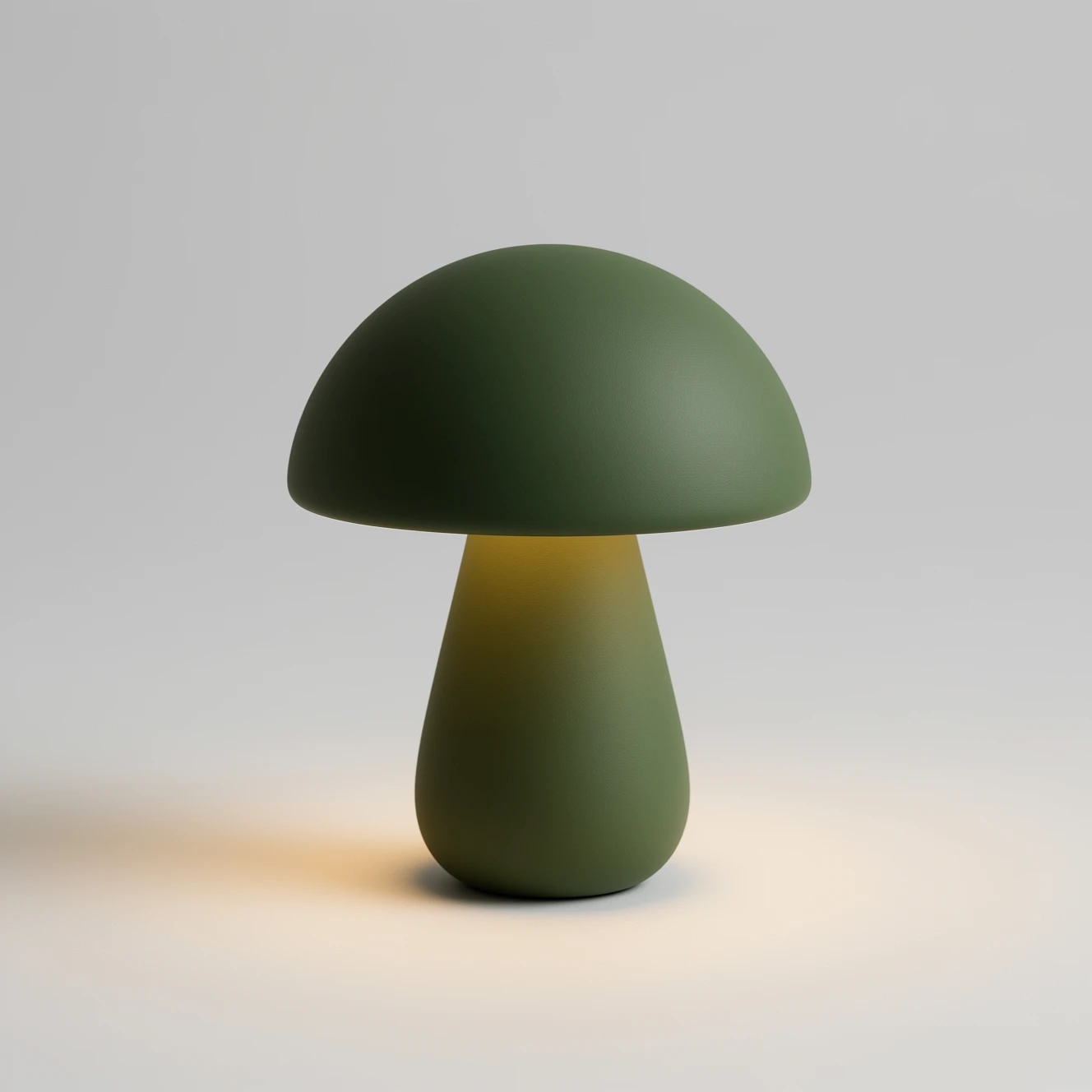
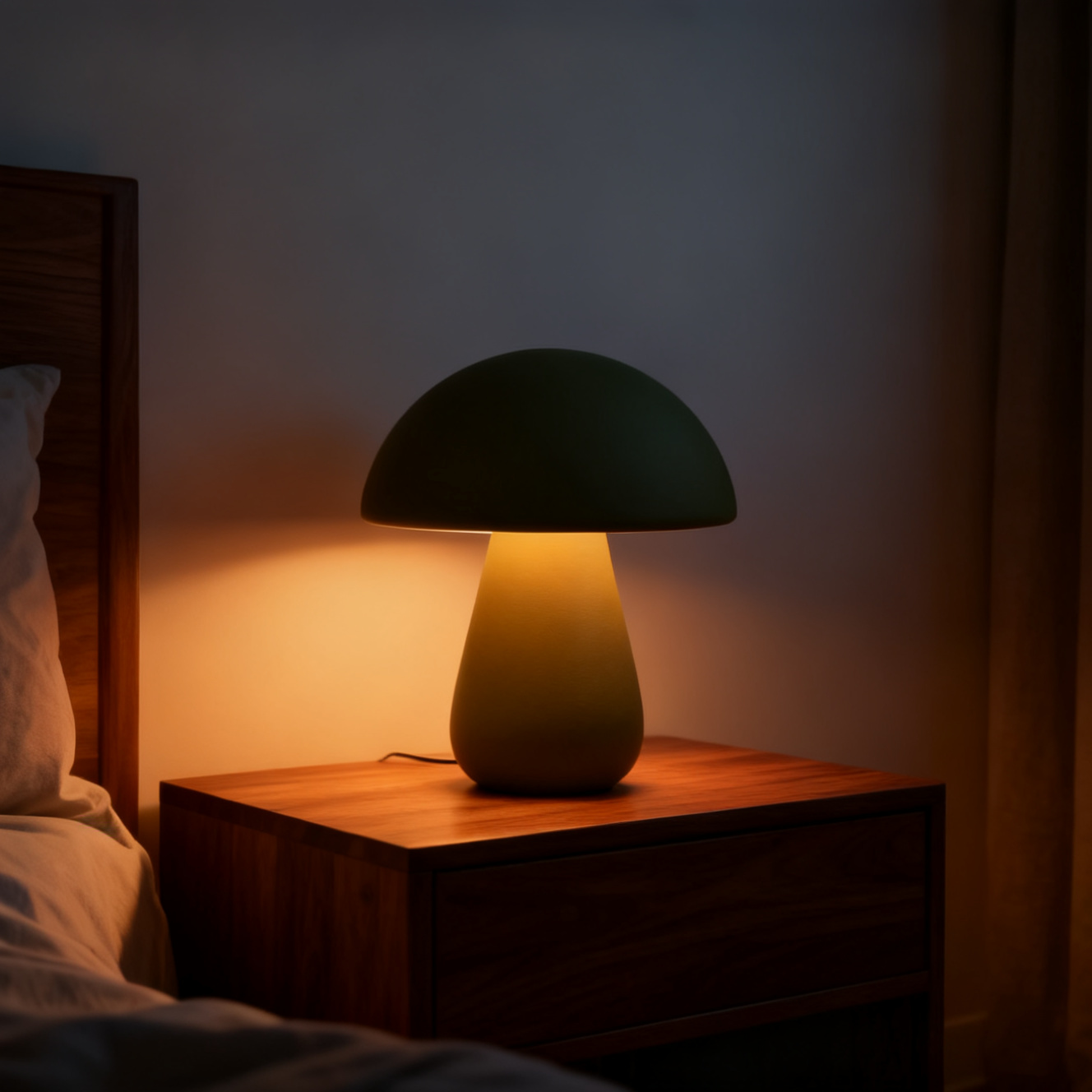
Real MorphPix output
Workflow: AI Product Photo Generator
Capability boundary: Upload-based scene generation can retain the product direction, but it may change exact geometry, finish, labels, or SKU details.
Open tool: AI Product Photo GeneratorFast prompt exploration
Product-style visual variations
Creator thumbnails and social assets
Campaign concept drafts
Run this model
Open the AI image generator with Seedream 4 selected.
Start with a concrete subject and visual style.
Generate multiple directions and keep the strongest version.
Model-specific pages help users who search for a model name land on the right image workflow instead of a generic homepage.
MorphPix currently configures Seedream 4 for both text-to-image generation and upload-and-edit workflows.
Use the configured Seedream 5.0 Pro workflow for commercial visuals, information-dense layouts, multilingual text, and reference-guided edits.
Create text-to-image drafts for landing pages, ads, product concepts, and social visuals with the configured FLUX.2 Pro workflow.
Use a design-oriented image model for posters, thumbnails, logo concepts, and visuals where text matters.