AI image workflow

AI Image Editor

Upload a source image, describe one clear change, and create a polished variation while keeping the workflow in your browser-based studio.

Prompt-based image editing

Edit image

Online tool
Reference image

Upload a product photo, portrait, or existing design to edit.

Prompt examples

Style
Edit image

Real model outputs and templates

These examples were produced with the same image workflows available in MorphPix. Open any template to start with its direction.

Input

Prompt + image

Canvas

1:1

Default style

editorial

01

Replace a product background

Generated with MorphPix
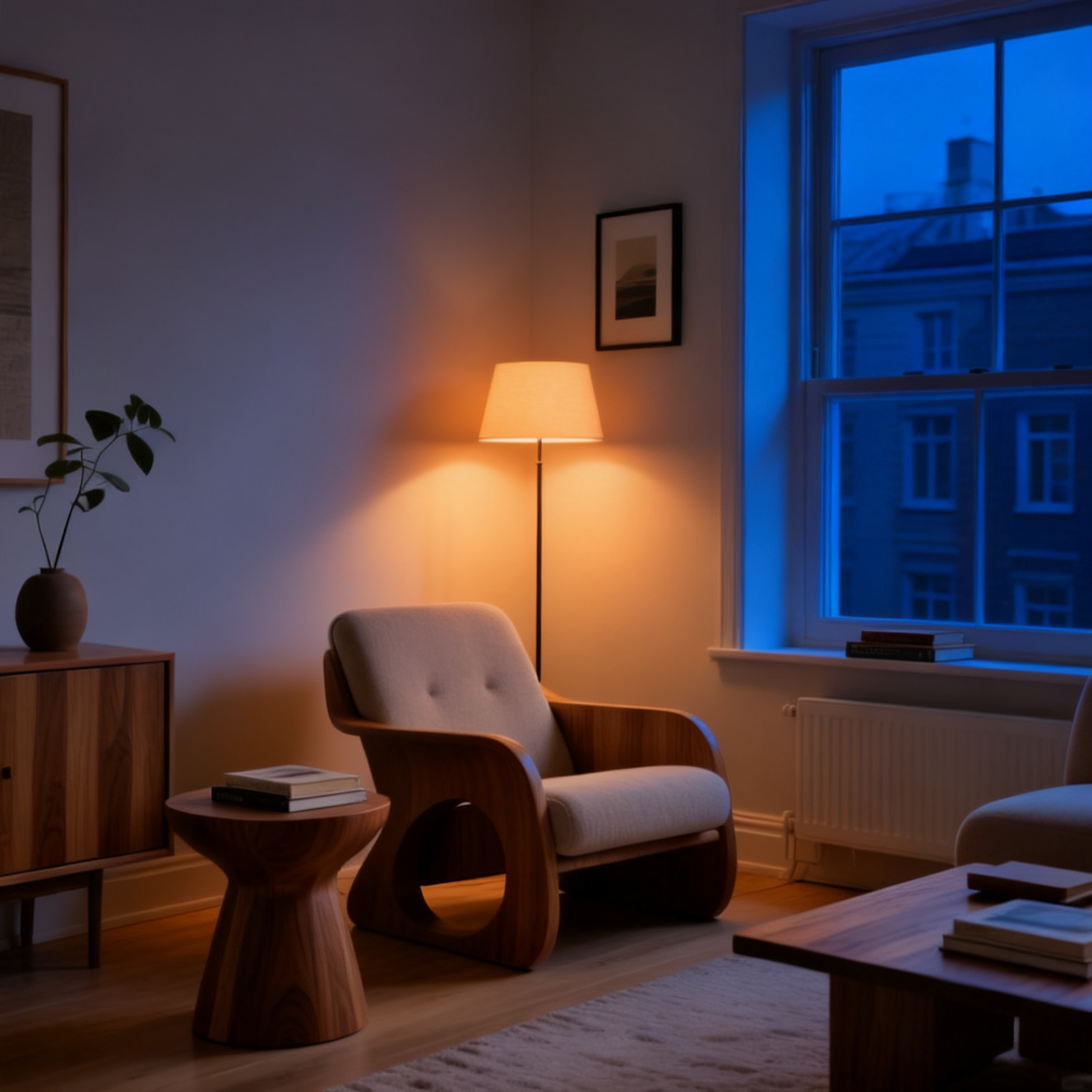
Before editing, a serum bottle photographed on a green marble set
Before
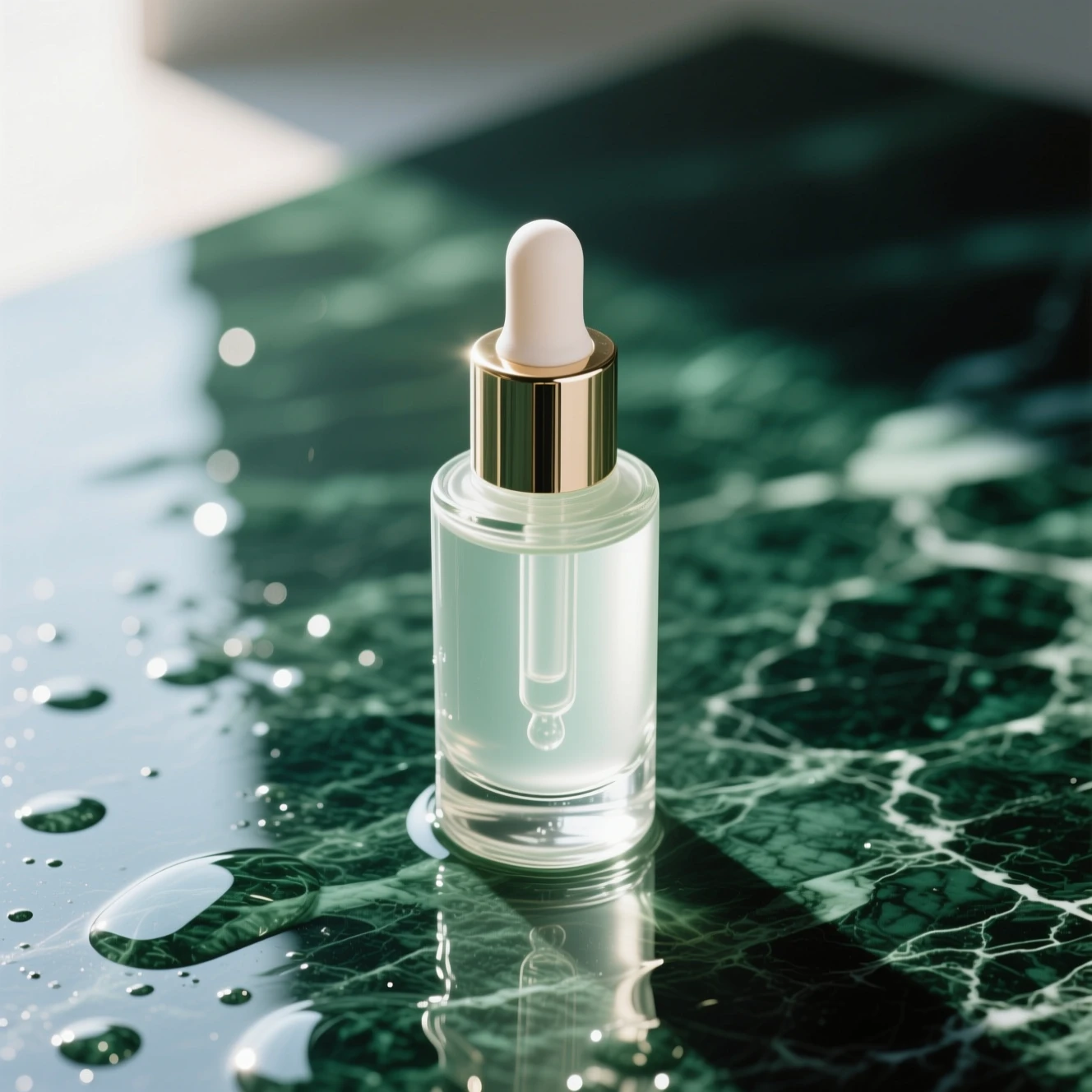
After editing, the serum bottle placed in a warm ivory studio setting
After

Prompt

Replace the green marble set with a warm ivory studio background and soft directional window light. Keep one serum bottle centered and preserve the overall bottle color.

Capability boundary: Background edits can alter bottle geometry, reflections, labels, or tiny packaging details; verify any real SKU before publishing.

Model
Seedream 4
Tool
AI Image Editor
Use in Studio

02

Change daylight into an evening mood

Generated with MorphPix
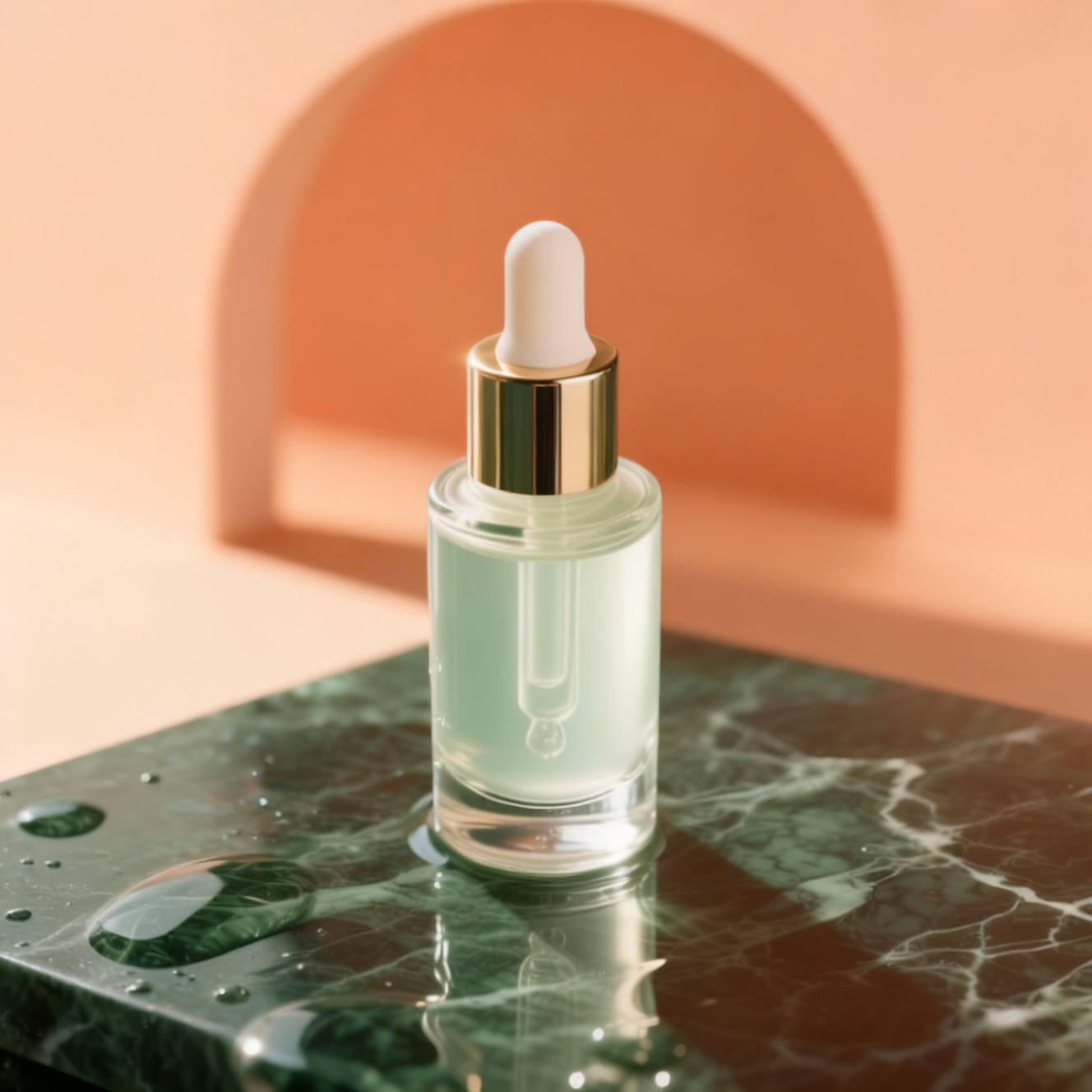
Before editing, a modern reading corner lit by daylight
Before
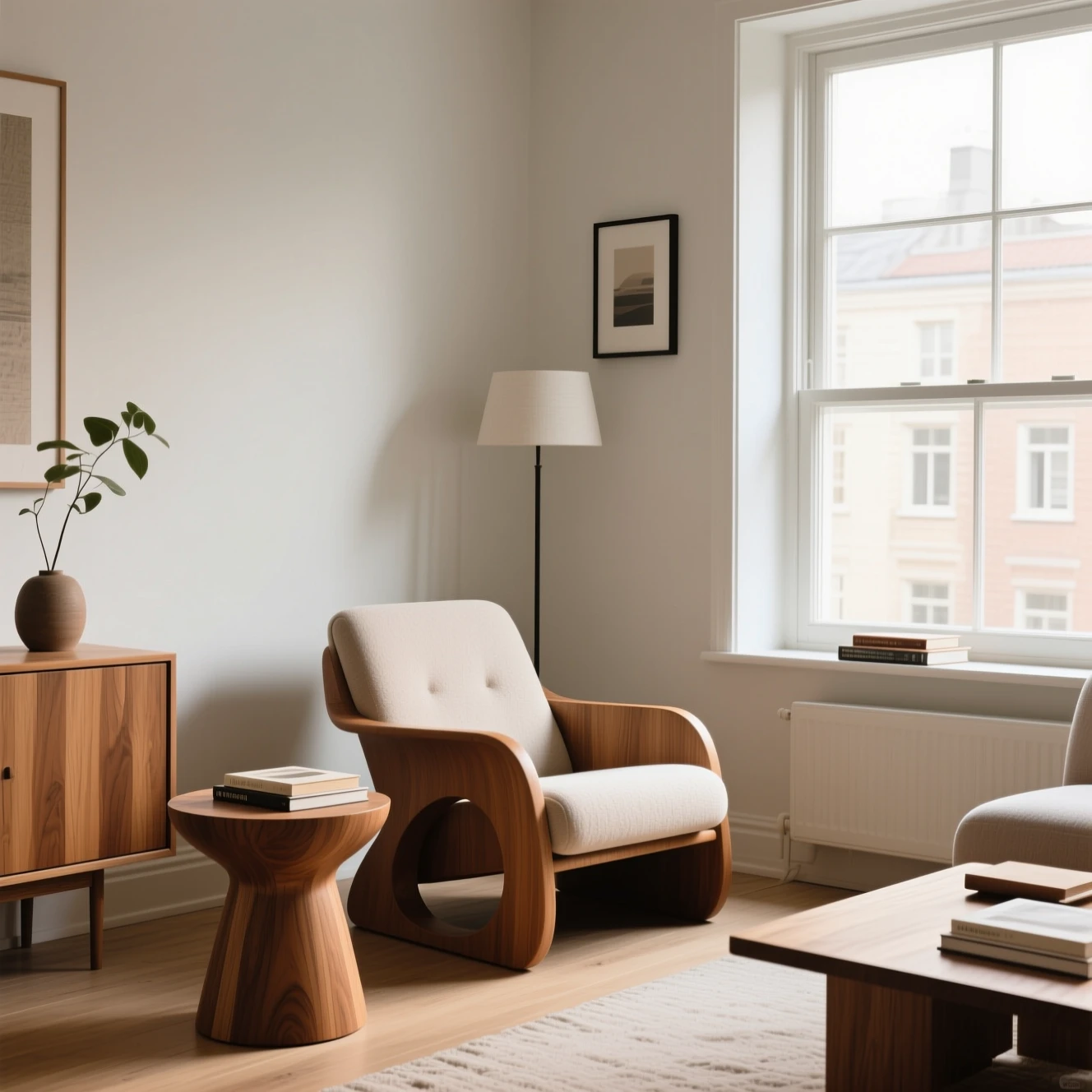
After editing, the reading corner shown at night with the floor lamp on
After

Prompt

Turn this daylight reading corner into a calm evening interior with the floor lamp switched on, deeper blue window light, and warm ambient shadows. Keep the room layout natural.

Capability boundary: Lighting and style changes may reshape small furniture details or room geometry instead of preserving every pixel.

Model
Seedream 4
Tool
AI Image Editor
Use in Studio

Best for

Background replacement

Color and mood changes

Product photo revisions

Creative variations from one image

Give the editor a precise change request

Image editing works best when the instruction separates the requested change from the details that should remain intact.

01

Use a clear source

Choose a well-lit image with a visible subject. Heavy compression and hidden edges make consistent edits harder.

02

State the invariant

Write phrases such as keep the label, face, pose, camera angle, or room layout unchanged when identity matters.

03

Make one major edit

A focused background, color, object, or lighting change is easier to evaluate than several unrelated changes at once.

Recommended setup

The public page keeps the basic choices visible so visitors understand what will happen before they sign in.

Input

Prompt + image

Upload a product photo, portrait, or existing design to edit.

Model stack

FLUX Kontext Pro, Seedream 5.0 Pro, Seedream 4

AI models

Canvas

1:1

Default style: editorial

How it works

1

Upload a clean source image.

2

Describe what should change and what must stay unchanged.

3

Review the variation, then download it or run a more focused second edit.

AI models

FLUX Kontext Pro

Black Forest Labs

Prompt-based image editing

instruction-based image edits, object changes, and background swaps

Prompt-based image editing

reasoning-led generation, precise edits, text, and commercial design images

Seedream 4

ByteDance

Prompt-based image editing

fast generation, edits, and product-style visual variations

AI image editor FAQ

Is this different from text-to-image?

Yes. Image editing starts from an uploaded image and uses the prompt as an instruction instead of generating everything from scratch.

Which edits should I avoid?

Avoid celebrity, copyrighted character, or deceptive identity edits. The site is intended for original and business-safe imagery.

Will the edited image preserve every product detail?

Not always. Review labels, logos, small text, colors, and product geometry before publishing an edited image commercially.

What image files can I upload?

MorphPix accepts genuine JPG, PNG, and WebP images. Uploads are checked for file type, damage, dimensions, and size before model work begins.

Ready to run this workflow?

Open the studio with the prompt, model, style, and aspect ratio already filled in.

Edit image