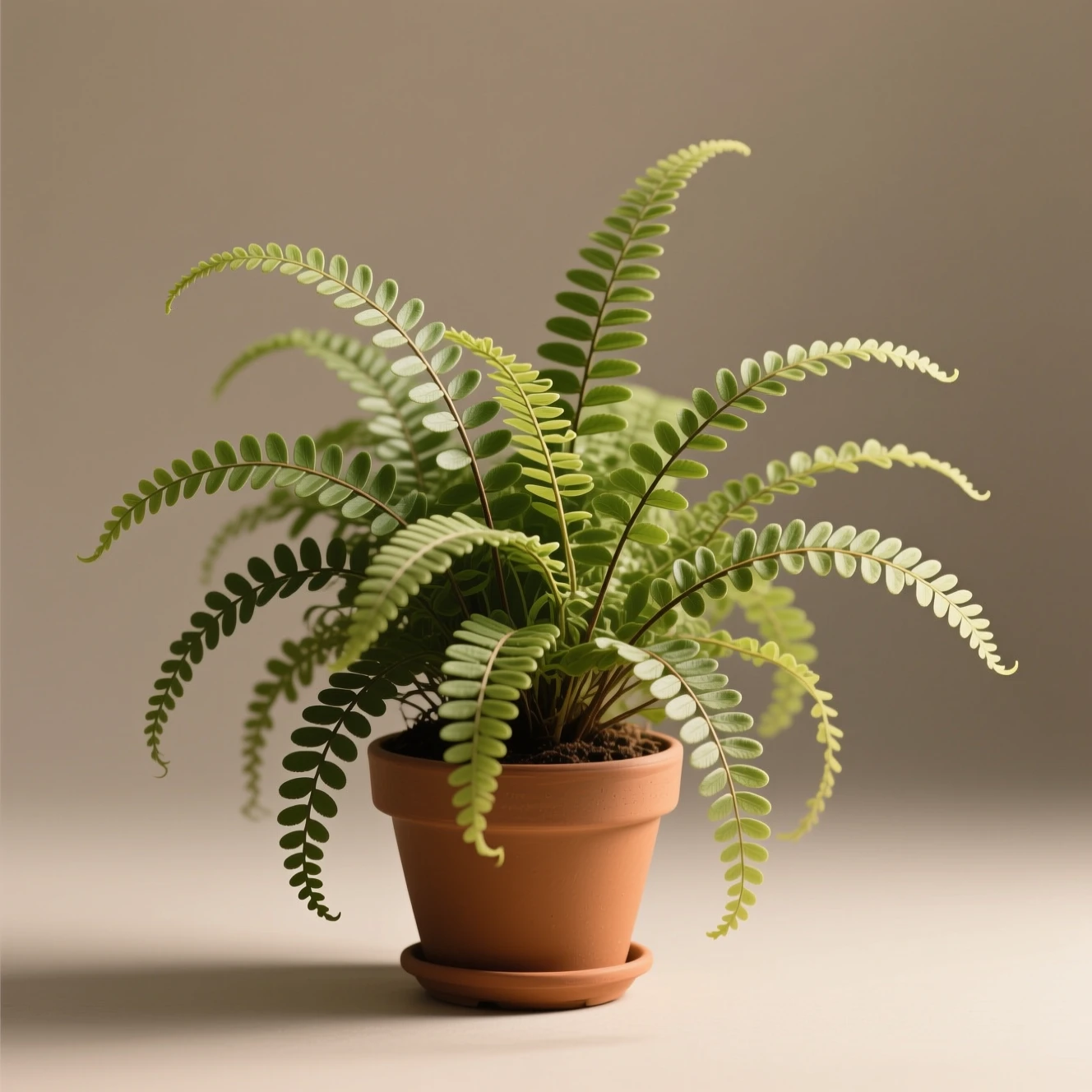
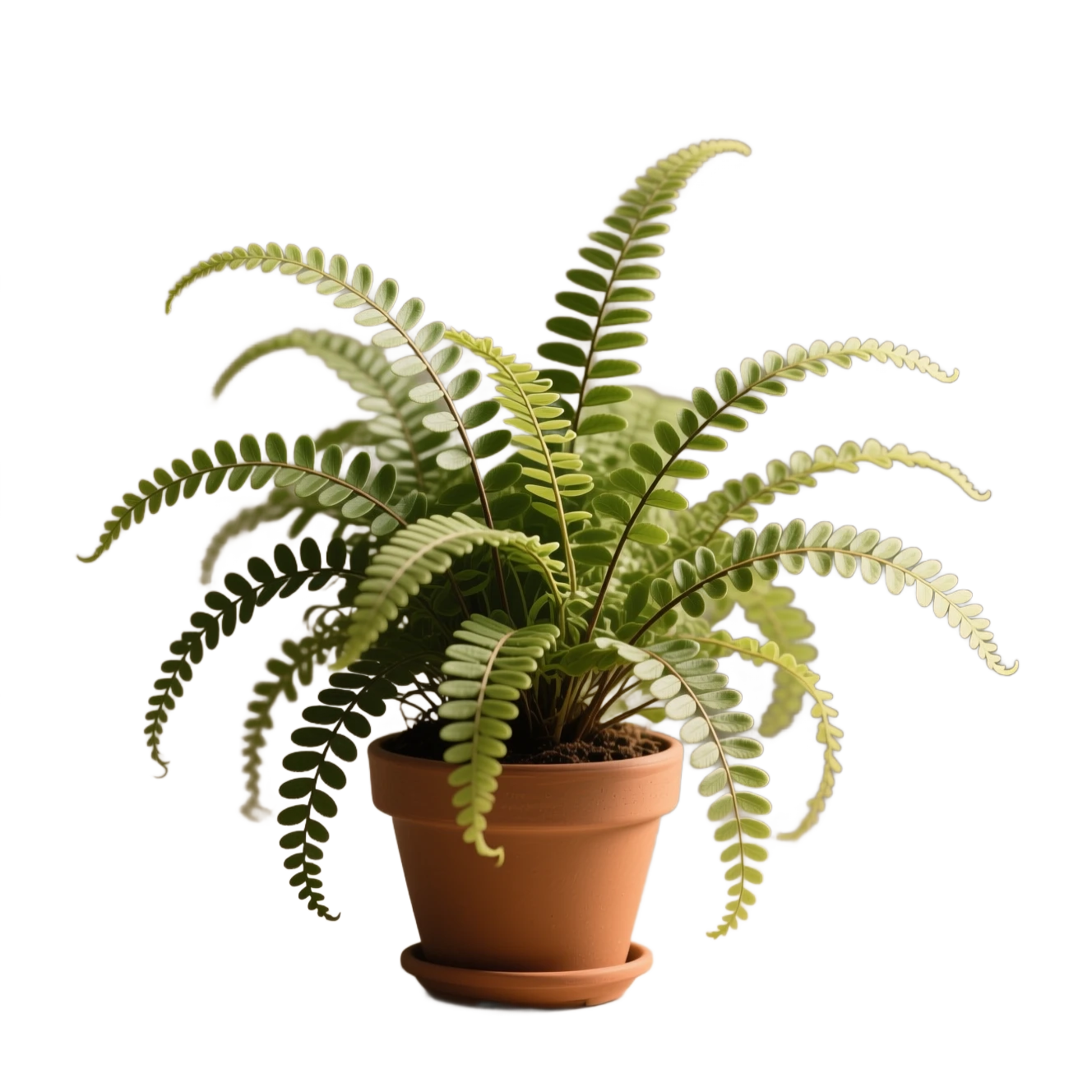
Real MorphPix output
Handle fine leaves and stems
Workflow: Background Remover
Capability boundary: Fine foliage is a harder case: tiny gaps, translucent edges, and hair-like stems can be softened or omitted.
Open tool: Background Remover851 Labs utility model
Use the 851 Labs model behind MorphPix's Background Remover to turn uploaded photos into clean subject cutouts for shops, ads, thumbnails, and design layouts.
Real MorphPix output
Workflow: Background Remover
Capability boundary: Fine foliage is a harder case: tiny gaps, translucent edges, and hair-like stems can be softened or omitted.
Open tool: Background RemoverProduct cutouts
Profile images
Marketplace photos
Design assets with transparent backgrounds
Run this model
Open the background remover tool.
Upload a JPG, PNG, or WebP image.
Generate a clean cutout and download the result.
This page documents 851 Labs Background Remover, the model used by MorphPix's Background Remover workflow.
No. Background removal starts from an uploaded image and does not need a text prompt.
Use clear source images where the subject is not heavily blurred or hidden behind complex foreground objects.
Use the configured Seedream 5.0 Pro workflow for commercial visuals, information-dense layouts, multilingual text, and reference-guided edits.
Upload an image, describe the change, and create controlled variations without rebuilding the whole visual from scratch.
Improve low-resolution images with an upscaling workflow for sharper assets and cleaner reuse.