Real-ESRGAN
NightmareAI · 10 Credits per successful result
image upscaling, sharpening, and face-aware enhancement
Supported operations: Image upscaling
Output framing follows the uploaded image.
Negative prompt: not supported
Upscaling model
Improve low-resolution images with an upscaling workflow for sharper assets and cleaner reuse.
NightmareAI · 10 Credits per successful result
image upscaling, sharpening, and face-aware enhancement
Supported operations: Image upscaling
Output framing follows the uploaded image.
Negative prompt: not supported
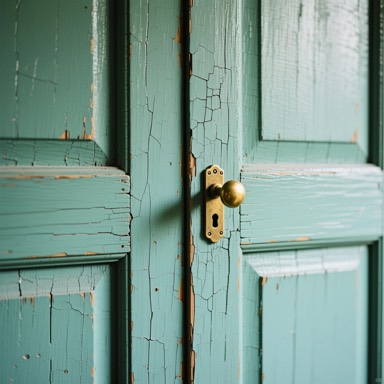
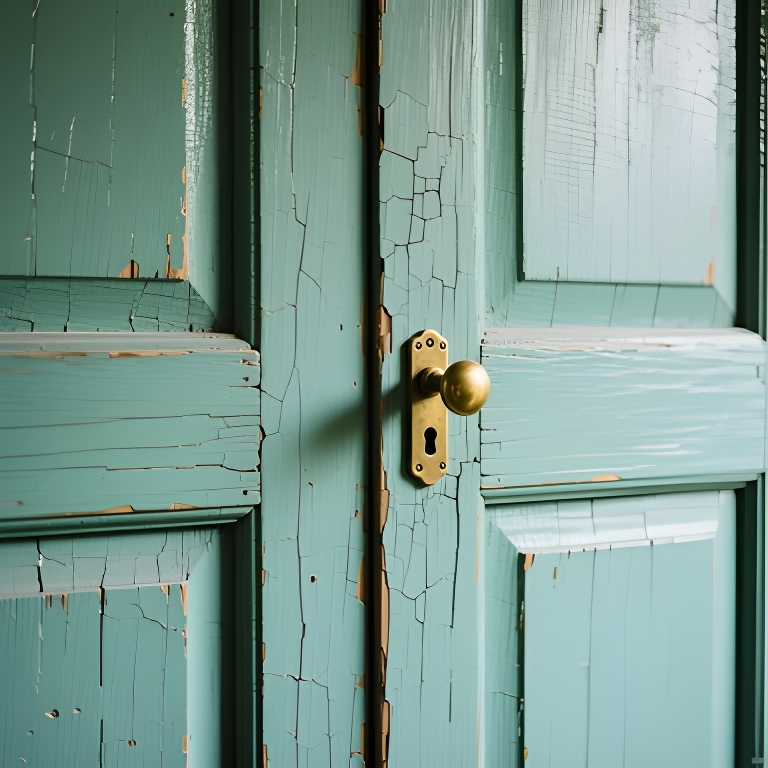
Real MorphPix output
Workflow: AI Image Upscaler
Capability boundary: Upscaling improves edge definition and resolution, but it cannot reveal authentic wear patterns absent from the input.
Open tool: AI Image UpscalerLow-resolution product images
Older design assets
Portrait enhancement
Sharper thumbnails and graphics
Run this model
Open the image upscaler tool.
Upload a source image that needs more detail.
Generate an enhanced version and download it from the studio history.
It upscales and enhances images so low-resolution assets can become sharper and easier to reuse.
No model can recover every missing detail. Very small or heavily blurred images may still need manual replacement.
Use the 851 Labs model behind MorphPix's Background Remover to turn uploaded photos into clean subject cutouts for shops, ads, thumbnails, and design layouts.
Upload an image, describe the change, and create controlled variations without rebuilding the whole visual from scratch.
Explore brand graphics, icon directions, layout-led images, and visual systems with a design-friendly image model.