Generate · Edit · Remove background · Upscale
Create the image you need. Finish it in one AI studio.
Start with a prompt or upload, then keep the same image moving through editing, clean cutouts, and upscaling.
Choose a task
01 · Prompt
Describe the image you want
Write one clear direction. Your prompt, model, style, and canvas carry into Studio.
02 · Settings
Model
Qwen Image
Style
Canvas
200 free credits included. Sign in before any generation starts.
Example result
Qwen Image
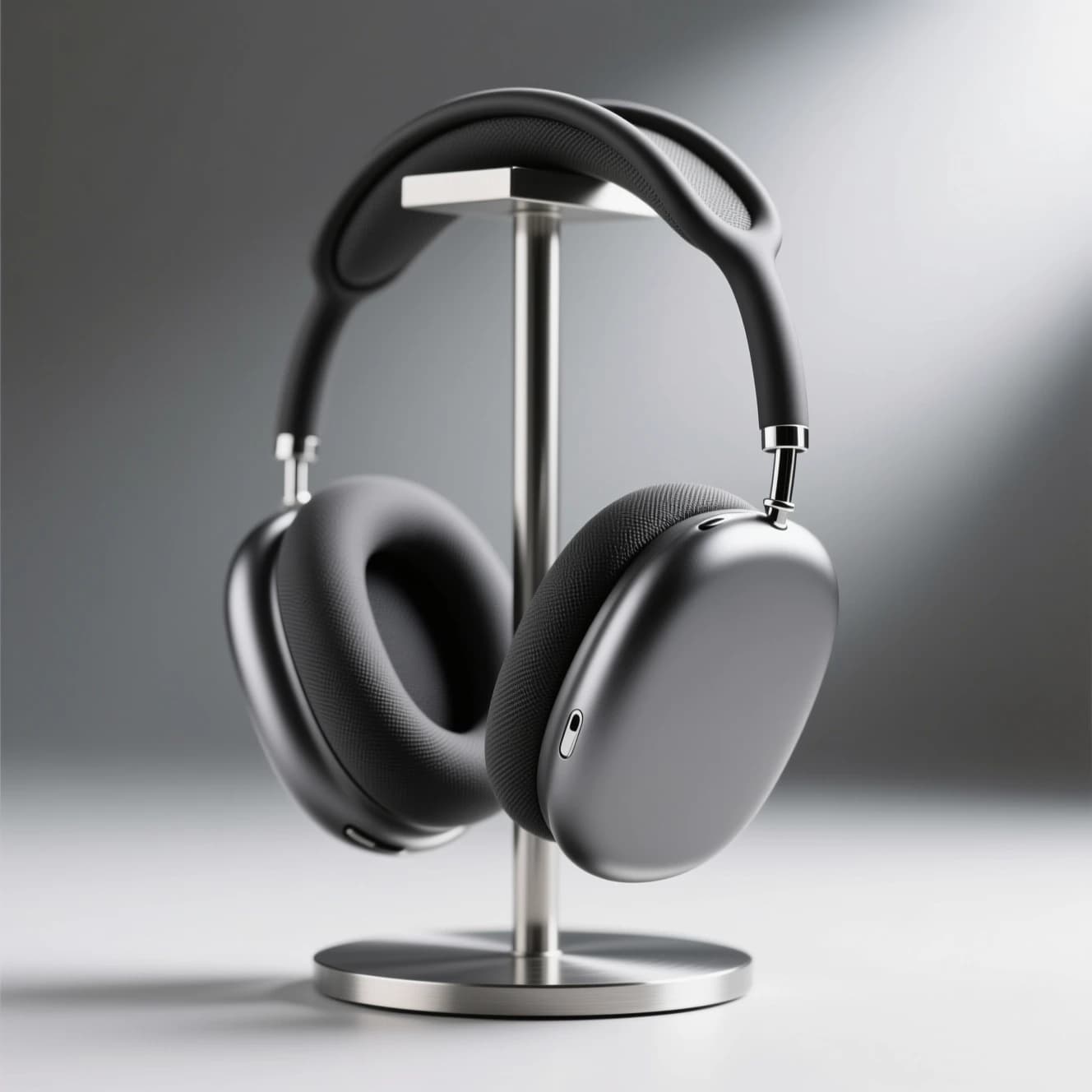
Generate once. Keep working on the same image.
After generation, move the result into Edit, Remove background, or Upscale without leaving MorphPix.
Continue the workflow
Core workflows
Start with the image task you need
Four focused workflows cover new images, controlled edits, clean cutouts, and larger outputs. The full tool library is still one click away.
How it works
- 01
Choose Generate, Edit, Remove background, or Upscale.
- 02
Add a prompt or upload the image you already have.
- 03
Sign in before the job runs and use your available credits.
- 04
Keep the result in Studio and move it into the next image task.

AI Image Generator
Turn a written direction into a new campaign, editorial, or product visual.
Open tool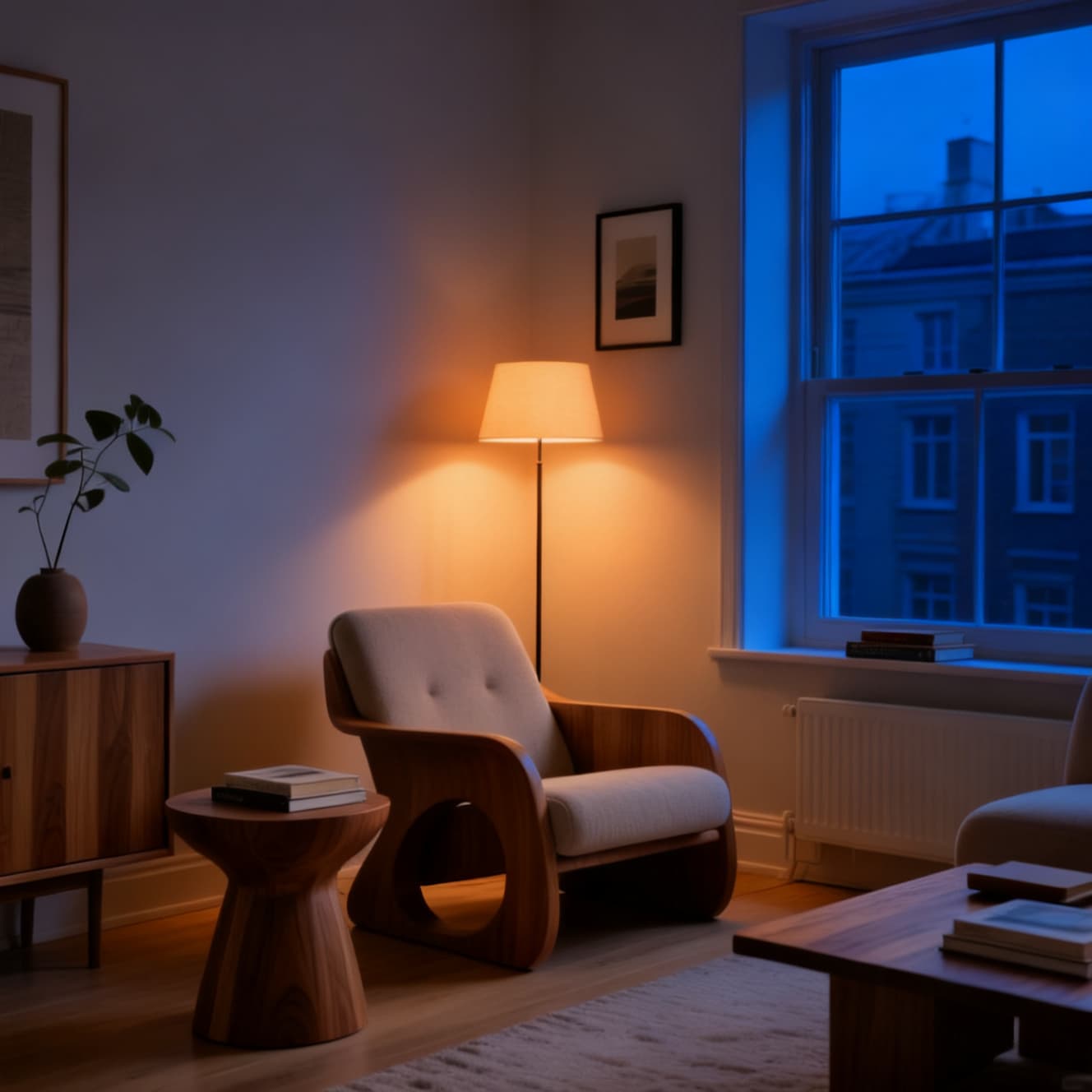
AI Image Editor
Upload an image and describe the exact background, lighting, color, or object change.
Open tool
Background Remover
Create a reusable transparent PNG from a product, portrait, or object photo.
Open tool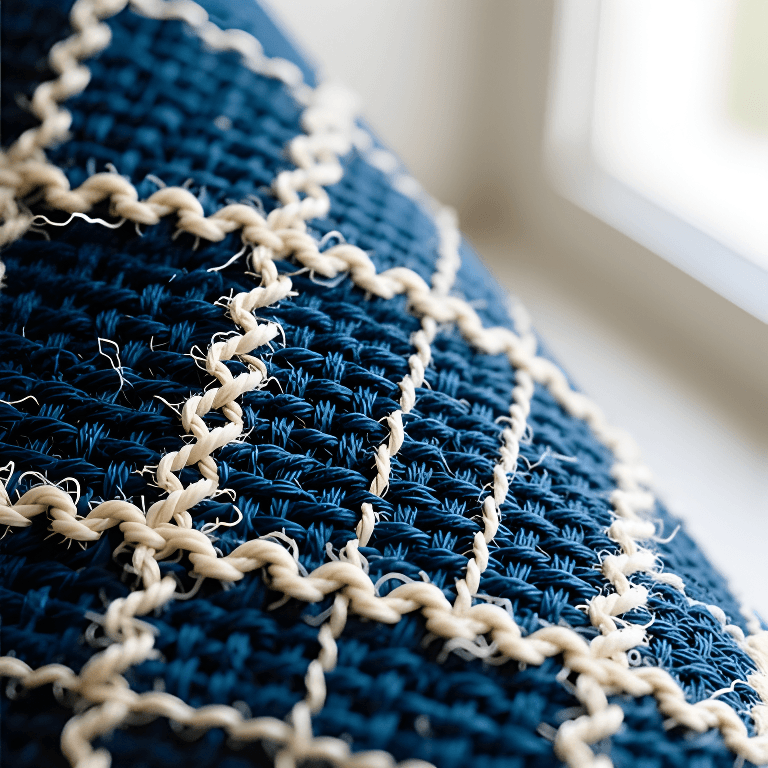
AI Image Upscaler
Increase image size and edge definition for sharper downloads and reuse.
Open toolImage editing, proven
Change the scene without rebuilding the idea
MorphPix also starts from an existing image. This real edit replaced a product background while keeping the core product direction visible.
Edit instruction
“Replace the green marble set with a warm ivory studio background and soft directional window light. Keep one serum bottle centered and preserve the overall bottle color.”
Model: Seedream 4
Open AI Image Editor

Compare real workflows, costs, and capabilities
These configured models cover design-led generation, prompt-based editing, and precise background removal with different credit costs.
Start free, upgrade when the workflow fits
Try the core Studio with a monthly Free Credit allowance, then choose a paid monthly Credit plan when needed.
Models can use different numbers of credits. MorphPix shows the exact cost in Studio before you submit a generation or edit.
Free
to start- 200 Credits per UTC calendar month
- Generation, editing, background removal, and upscaling
- Best for a first real workflow test
Paid plans
Choose a monthly Credit allowance for recurring image work.
- Starter$9/month · 3,000 Credits
- Pro$19/month · 8,000 Credits
- Max$49/month · 25,000 Credits
Ready to create your next image?
Start in Studio with 200 free image credits.