AI image workflow

AI Image Generator

Generate one image per task from a text prompt. Choose from multiple leading AI image models, a style, and an aspect ratio, then review and download the result in Studio.

Core image tool

Generate image

Online tool

Prompt examples

Style

Real example output

Qwen Image · 25 credits

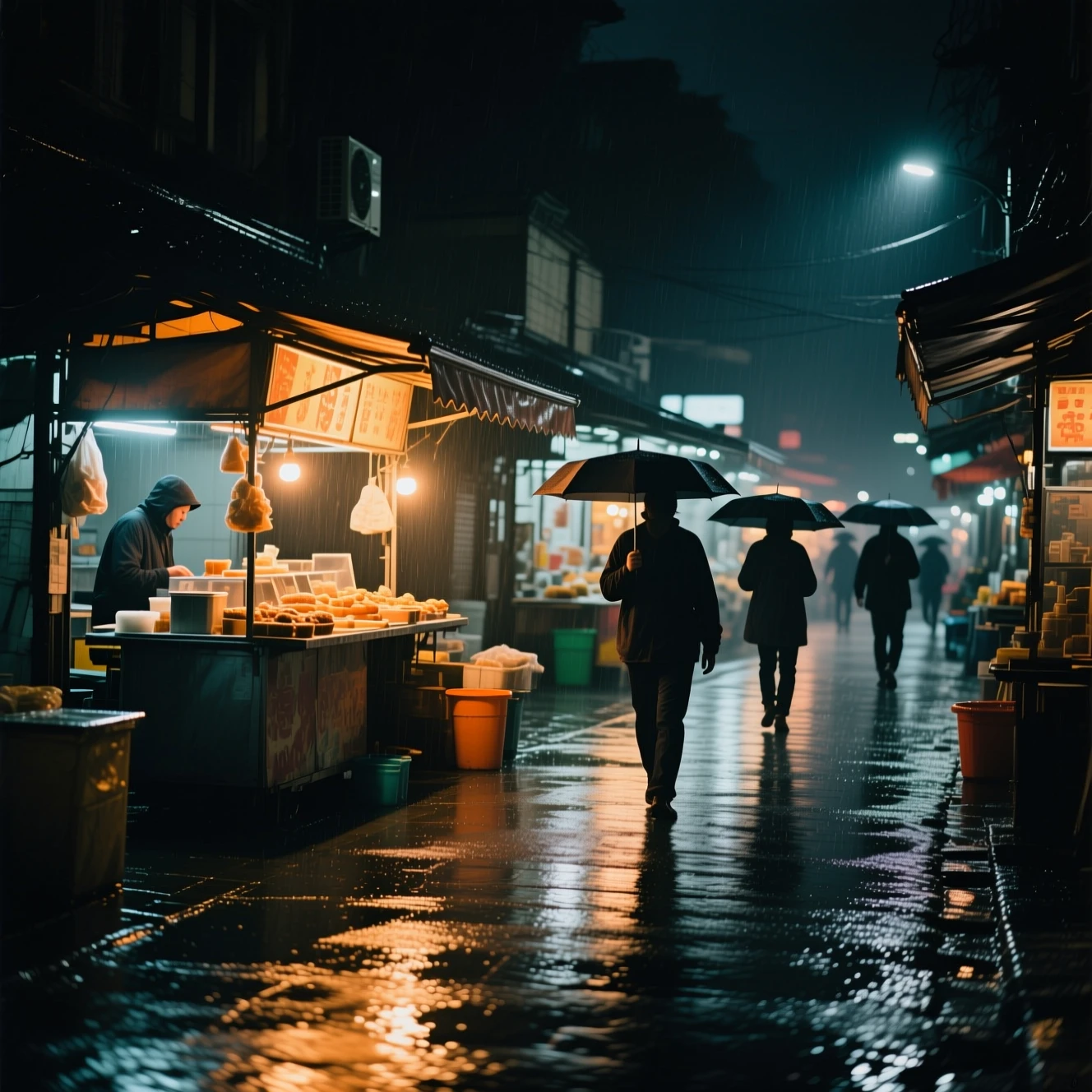
Documentary-style AI image of a rainy night food market with umbrellas and reflections
Real example output

Rainy night market photography

Documentary-style photograph of a small night food market after rain, warm stall lights reflecting on wet pavement, a few anonymous people walking with umbrellas, natural candid composition, realistic photography, no readable text, no logos

Capability boundary: Small background signs may be unreadable or invented; inspect text-bearing areas before commercial use.

Model for your run

Real model outputs and templates

These examples were produced with the same image workflows available in MorphPix. Open any template to start with its direction.

Input
Prompt only
Default model
GPT Image 2.5 Flare
Canvas
1:1
Default style
Cinematic

01

Paper-cut observatory illustration

Generated with MorphPix

Input

Layered paper-cut illustration of a tiny mountain observatory under a deep blue starry sky, hand-crafted paper texture, limited navy coral and cream palette, editorial art print, no text, no logo

Prompt
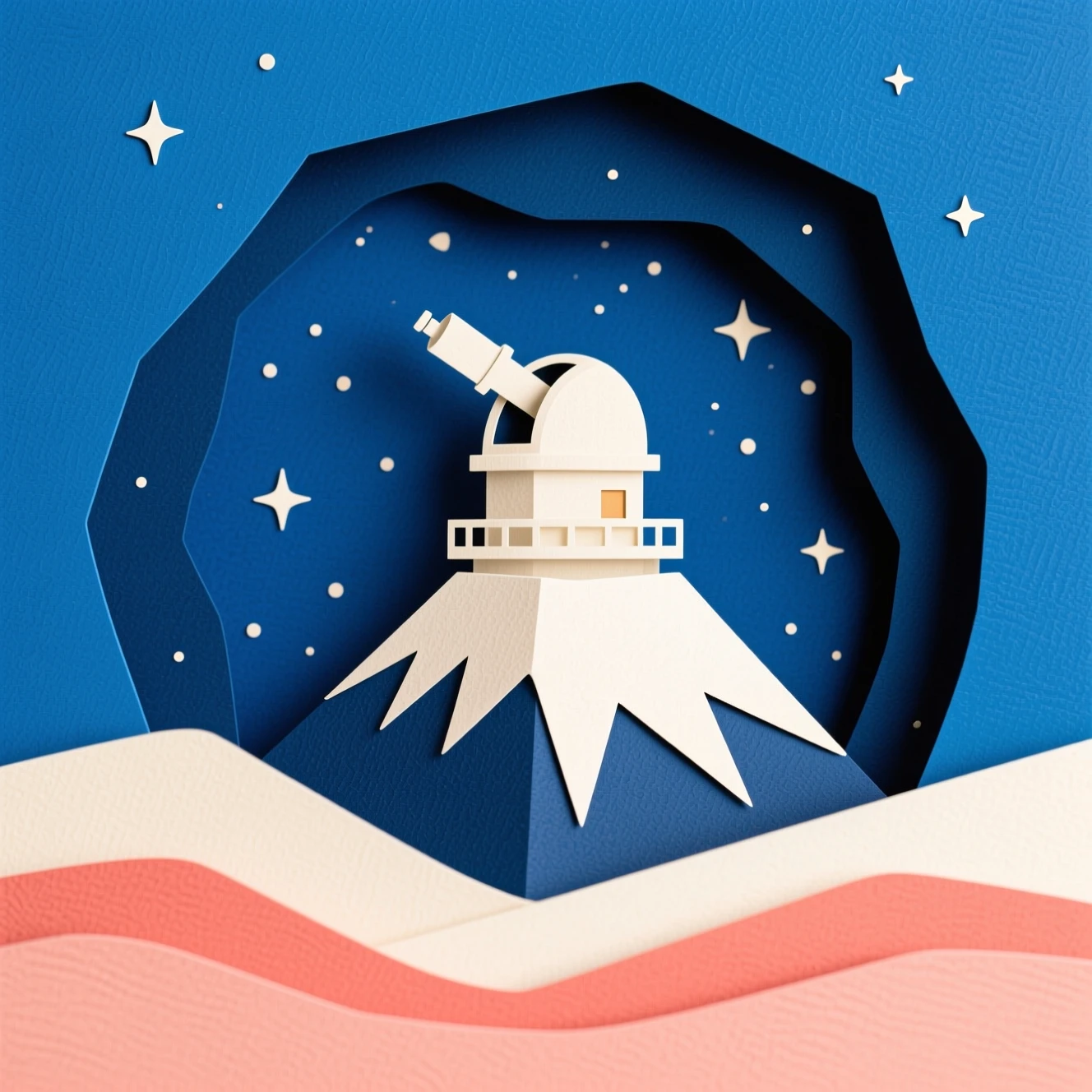
Layered paper-cut AI illustration of a mountain observatory beneath a starry sky
Output

Capability boundary: The model interprets material, layering, and color direction rather than reproducing a fixed illustration style exactly.

Model
Qwen Image
Tool
AI Image Generator

This historical example used Qwen Image. The template will use GPT Image 2.5 Flare in this tool; results will differ.

Use in Studio
02

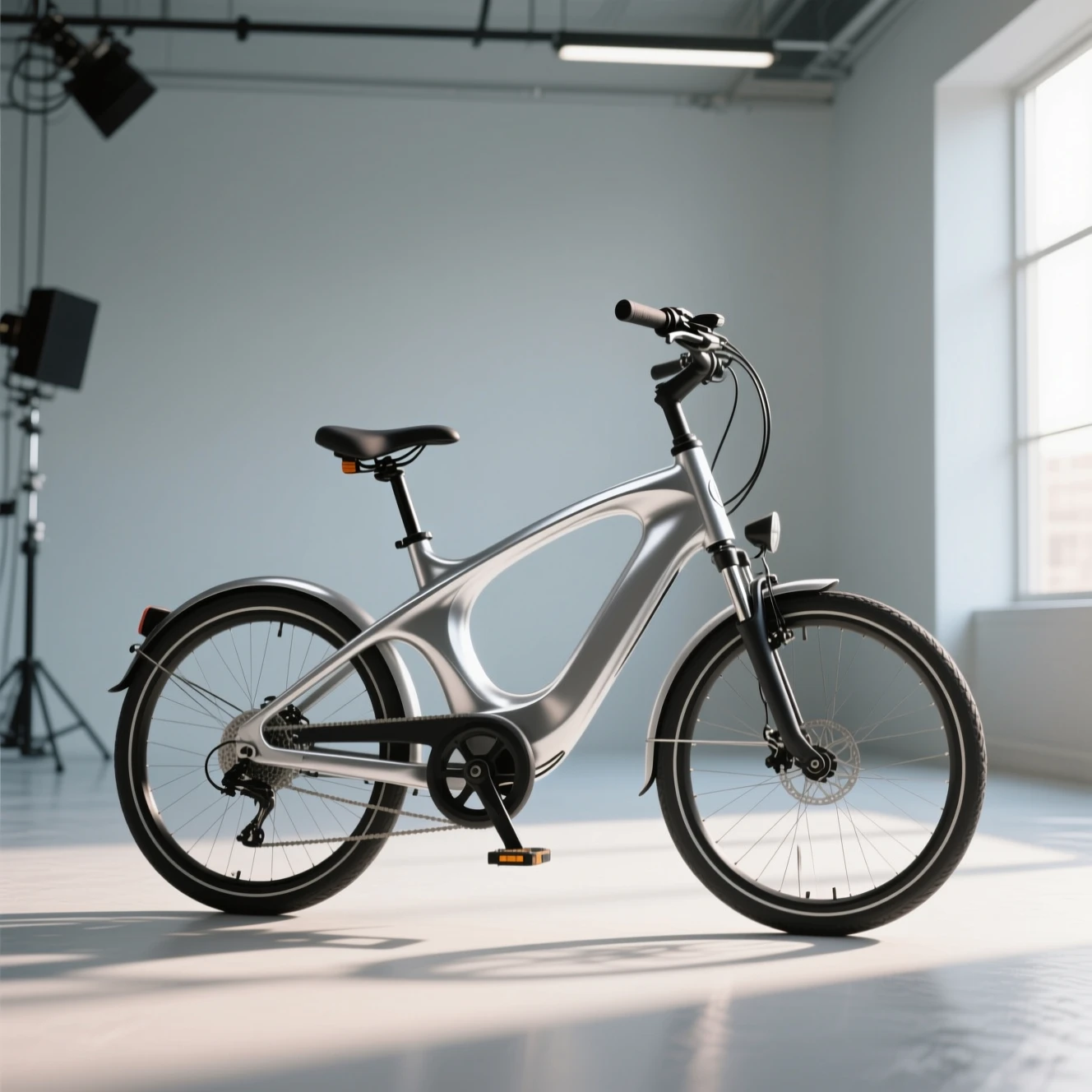
Electric bicycle campaign concept

Generated with MorphPix

Input

Commercial concept image of a compact electric commuter bicycle with a sculptural silver frame in a clean urban studio, directional morning light, premium mobility campaign, unbranded, no text, no logo

Prompt

Commercial AI concept image of a silver electric commuter bicycle in a studio
Output

Capability boundary: This is a visual concept, not an engineering drawing; frame geometry and components may not be mechanically viable.

Model
Qwen Image
Tool
AI Image Generator

This historical example used Qwen Image. The template will use GPT Image 2.5 Flare in this tool; results will differ.

Use in Studio

Run this workflow

Use the defaults as a starting point, then choose the model and settings that fit the actual image task.

Input
Prompt only
Default model
GPT Image 2.5 Flare
Canvas
1:1
Default style
Cinematic
Credits
47 / successful result

Best for

  • Landing page visuals
  • Ad creative concepts
  • Product moodboards
  • Social media images

Execution flow

  1. 01

    Describe the subject, setting, lighting, composition, and visual style.

  2. 02

    Choose a model and canvas ratio for the final channel.

  3. 03

    Sign in, review the selected model and credit cost, then submit one task. Download the result or revise the prompt for another task.

Task guidance

Describe the image you want

A useful prompt gives the model visual decisions to follow without turning into a long list of conflicting instructions.

Start with the subject

Name the main subject and its important materials, colors, pose, or product details before describing the scene.

Add light and composition

Specify studio light, daylight, close-up, top-down, centered, or negative space when the layout matters.

Match the destination

Use 1:1 for square commerce and social assets, 16:9 for wide campaigns, and 9:16 for vertical content.

AI models

Browse compatible models

Fast everyday generation with strong instruction following and text.

47 credits

General generation from a reasoning and reference-capable model family.

67 credits

FLUX.2 Max

Black Forest Labs

High-fidelity general image generation.

70 credits

Strong general generation and commercial visual work.

50 credits

Qwen Image 3 Pro

Alibaba

Multilingual text, dense layouts, and photographic detail.

40 credits

Recraft V4.1

Recraft

Art-directed design and illustration.

40 credits

Imagen 4 Ultra

Google

Quality-focused general text-to-image generation.

60 credits

AI image generator FAQ

Which model does this use?

Choose from nine current models by OpenAI, Google, Black Forest Labs, ByteDance, Alibaba, Ideogram, Recraft, and xAI. The selector shows the credits charged per successful result, and models under maintenance cannot run.

Can I use it for commercial images?

Review the selected model’s terms and any third-party rights before publishing. Results can miss prompt details or contain incorrect text; a sample is not a guarantee of quality.

How many details should an image prompt include?

Start with five decisions: subject, setting, lighting, composition, and style. Add exact colors or materials only when they matter to the result.

Can I edit a generated image afterward?

Download the result, then upload it in the image editor, background remover, or upscaler. You can reuse its prompt here for a new task. Studio loads your latest 24 tasks across tools; this page shows matching tasks from that set.

Ready to run this workflow?

Open Studio with this page’s default prompt, model, style, and ratio. Use the input area above for your edited settings.

Generate image